Find people in the directory
Esta página aún no está disponible en tu idioma.
The People Directory lists everyone who works at your company. Search it by name or email, narrow it down by area or team, and open anyone’s profile to see their work details.
Open the directory
Section titled “Open the directory”Select People in the menu bar. The People Directory opens on Grid, or on the view you chose last time.
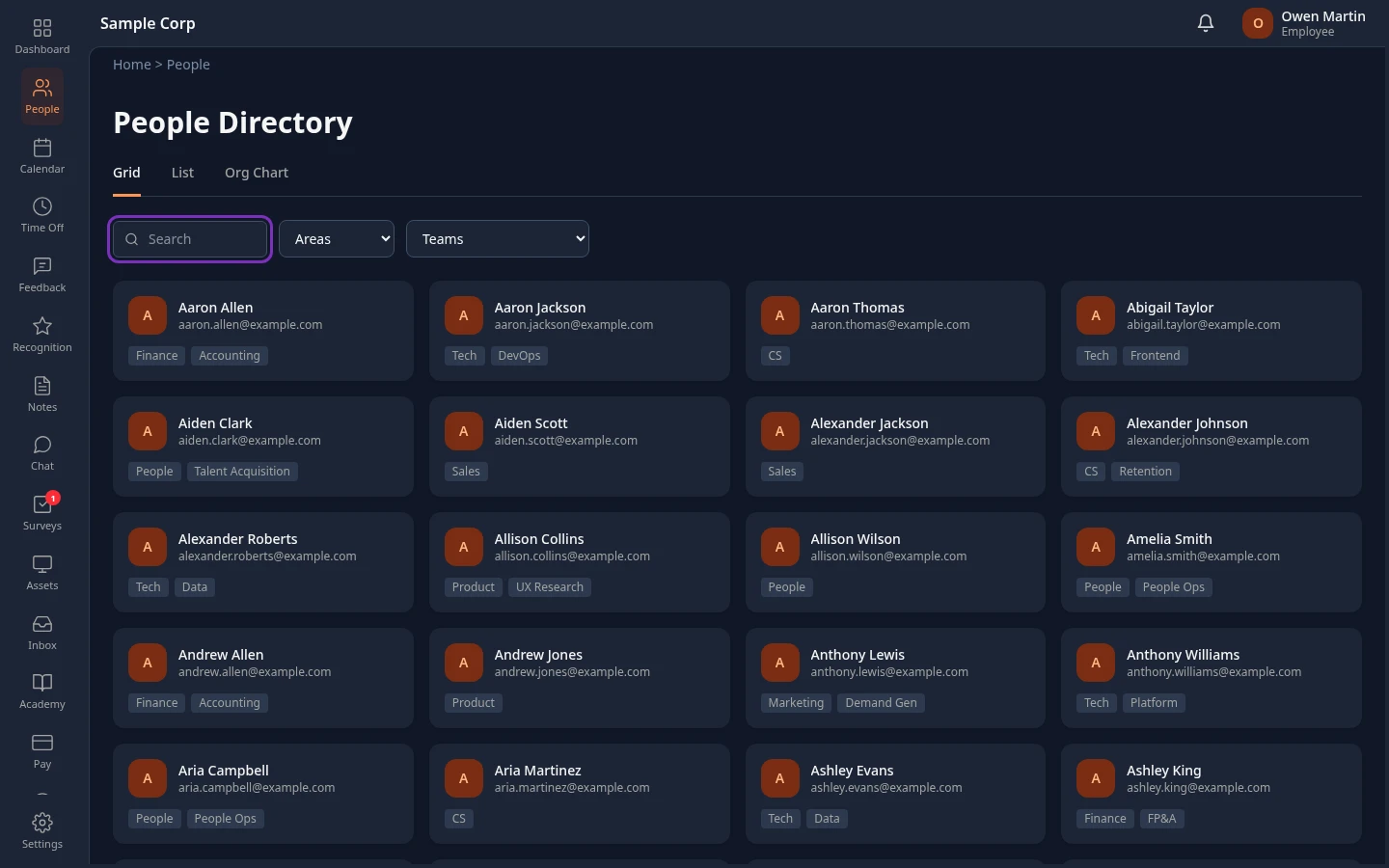
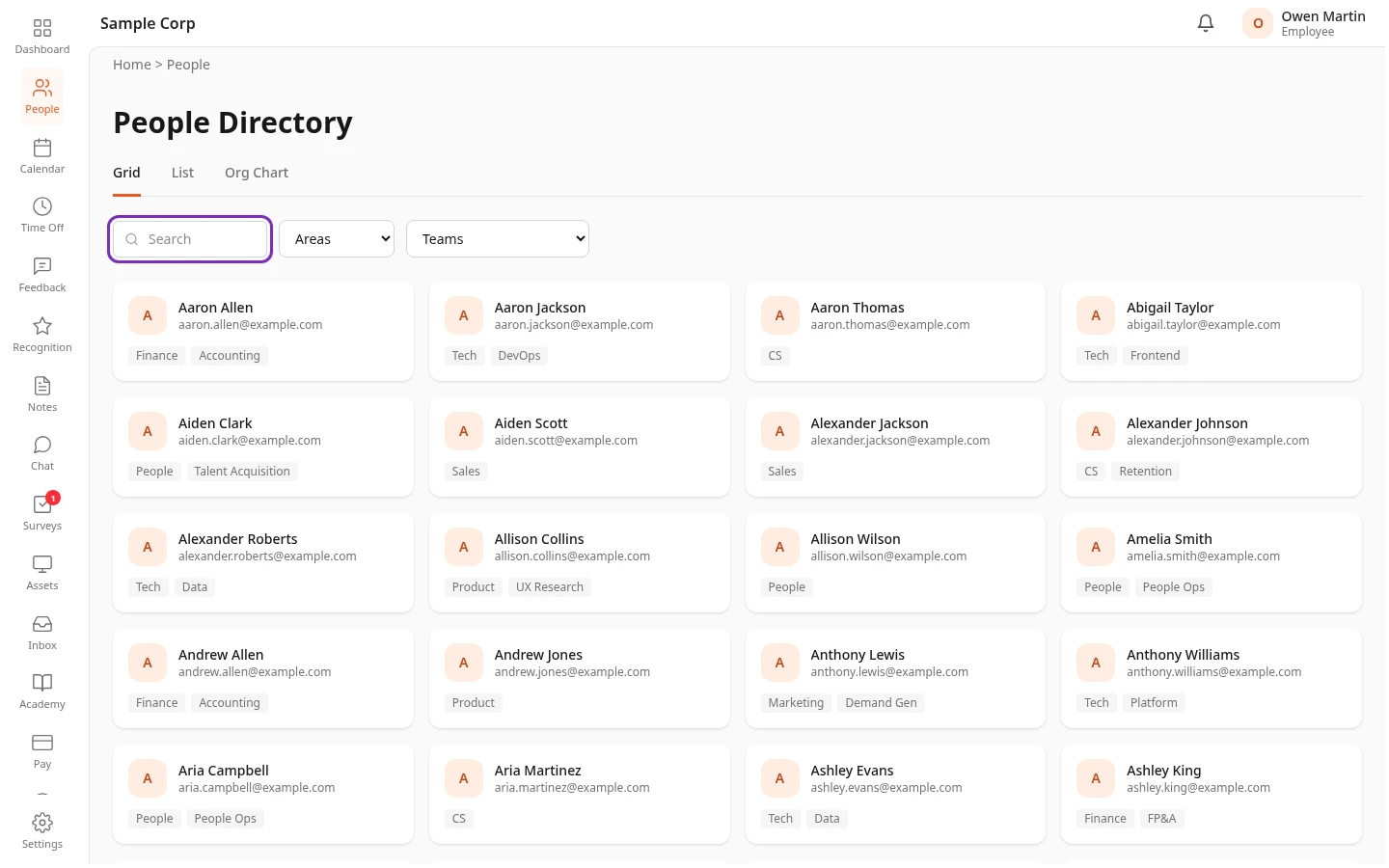
| View | What it shows |
|---|---|
| Grid | A card for each person, with the first letter of their name, their name, work email, area and team. |
| List | A table with each person’s Name, Email, Area and Team. Select a column heading to sort the people on the page you’re on. |
| Org Chart | Who reports to whom. See Browse the org chart. |
People are listed in alphabetical order, 48 to a page. Use ← Prev and Next → at the bottom to move between pages.
The directory lists everyone who’s active. People who have left the company, and new people whose accounts aren’t set up yet, aren’t in it.
Search and filter
Section titled “Search and filter”-
In Search, type part of someone’s name or email address. The list updates as you type. The text can be anywhere in the name or email:
marfinds Mark and Omar. -
To narrow the list, choose an area in Areas or a team in Teams. To clear a filter, choose Areas or Teams again.
- Search and the filters work together: for example, everyone called Sam in one team.
- Search only looks at names and email addresses, not job titles.
- Areas only shows when your company uses areas. Your admin sets up the lists of areas and teams.
Open someone’s profile
Section titled “Open someone’s profile”Select a card in Grid or a row in List.
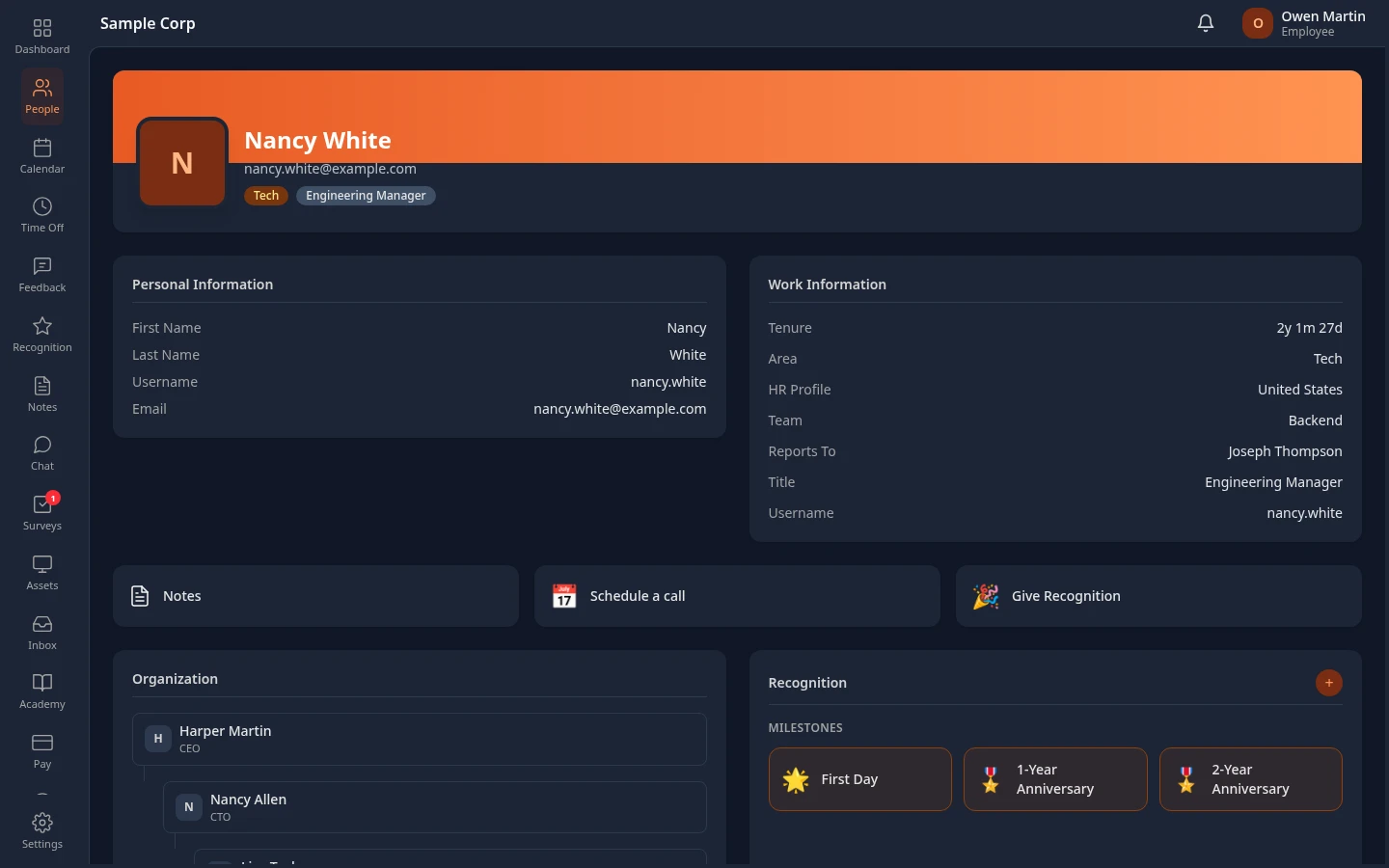
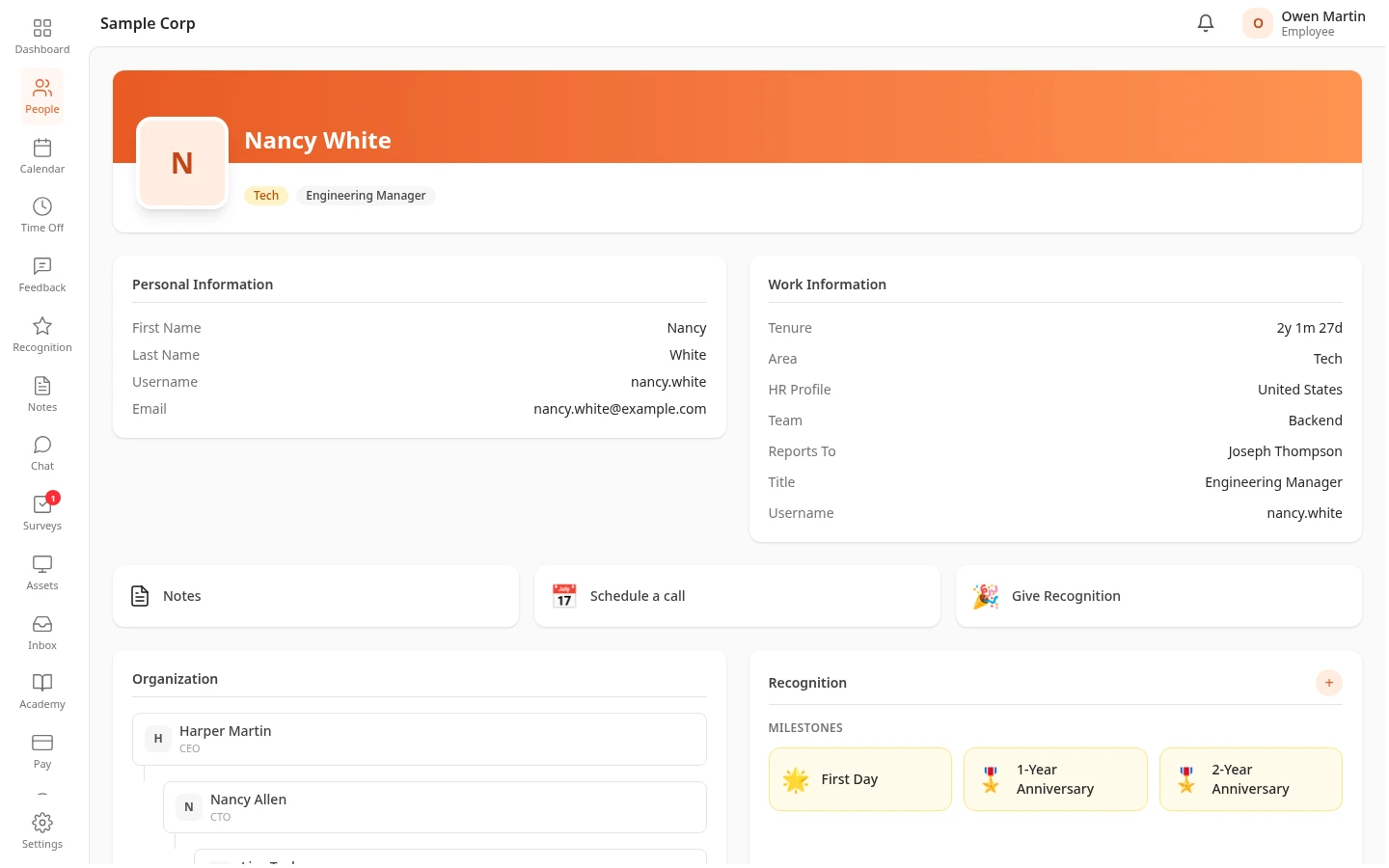
On a colleague’s profile you see:
- Their name, area and title at the top.
- Personal Information, with only their basic details, such as their name, username and email.
- Work Information: Tenure, Area, HR Profile, Team, Reports To, Title and Username.
- Organization, with their managers and team, and Recognition.
- Links such as Notes, Schedule a call and Give Recognition, for the modules your company uses.
You don’t see their personal or ID details, salary, documents or performance. Their managers and HR see more. See Who can see what on your profile.
Your own card opens your own profile, where you can select Edit Profile. See View and edit your profile.
Can’t see this?
Section titled “Can’t see this?”- There’s no People in your menu bar. Your company turned the People module off, or the item is hidden: see Choose what’s in your menu bar. Your own profile still opens from your name in the top bar.
- Someone is missing. They’ve left the company, or their account isn’t set up yet. Check the spelling: search only matches names and email addresses.
- There’s no Areas filter. Your company doesn’t use areas.