Review settings and People Analyzer
Esta página aún no está disponible en tu idioma.
Two tabs of the Feedback card in Settings hold workspace-wide settings for performance reviews: Review Settings and People Analyzer. Each has the on/off switch of its module at the top. Most of the settings below them don’t change anything yet: the review forms and results take their scale and anonymity from each cycle’s template instead. See Run a review cycle.
Open the tabs
Section titled “Open the tabs”-
Select Settings in the menu bar. If you’re an Admin, turn on admin mode first: select your name at the top right, then Elevate to Admin.
-
Open Feedback, then the Review Settings or People Analyzer tab.
-
Change what you need, then select Save changes in the bar at the bottom of the page.
Review Settings
Section titled “Review Settings”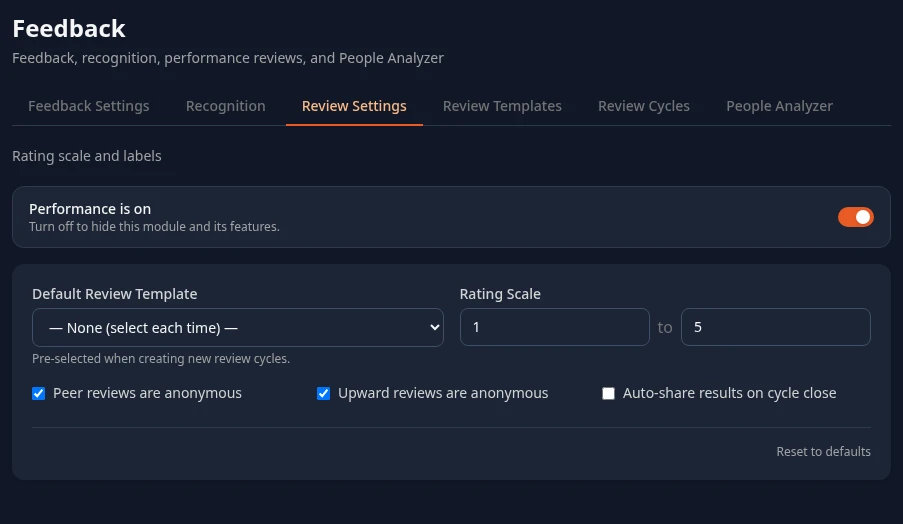
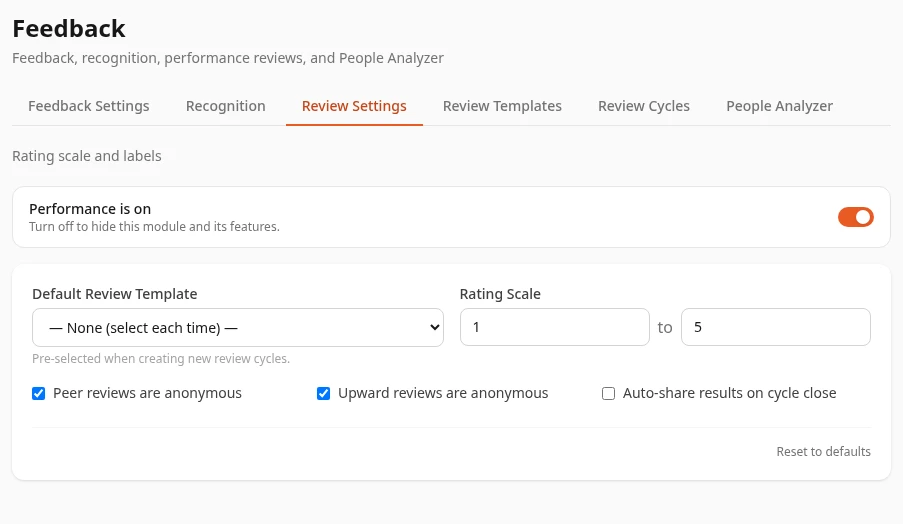
The Performance is on switch turns performance reviews on or off for everyone. With it off, the Feedback page says Performance reviews are turned off, and the review templates and cycles can’t be used. Nothing is deleted. See Turn modules on and off.
| Setting | What it does | Default |
|---|---|---|
| Default Review Template | Saved, but has no effect yet. + New Cycle always starts with the first template in the list. | — None (select each time) — |
| Rating Scale | Saved, but has no effect yet. Review forms always rate from 1 to 5, the scale of each cycle’s template, and results charts are drawn to 5. | 1 to 5 |
| Peer reviews are anonymous | Has no effect. What decides it is Anonymous peers on each review template. | On |
| Upward reviews are anonymous | Has no effect. Upward reviews are always anonymous: managers only see the average of their team’s upward ratings. | On |
| Auto-share results on cycle close | Has no effect. Results always show to people when you close a cycle. | Off |
The minimum of Rating Scale has to be at least 1 and the maximum higher than the minimum, or saving fails.
People Analyzer
Section titled “People Analyzer”People Analyzer is meant to score people on your company’s values and on Gets It, Wants It and Capacity (GWC).
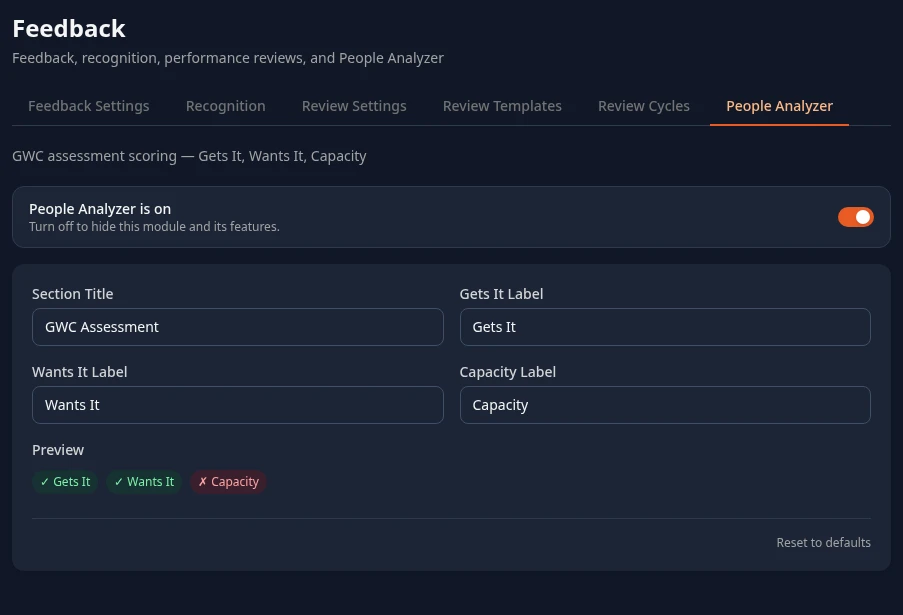
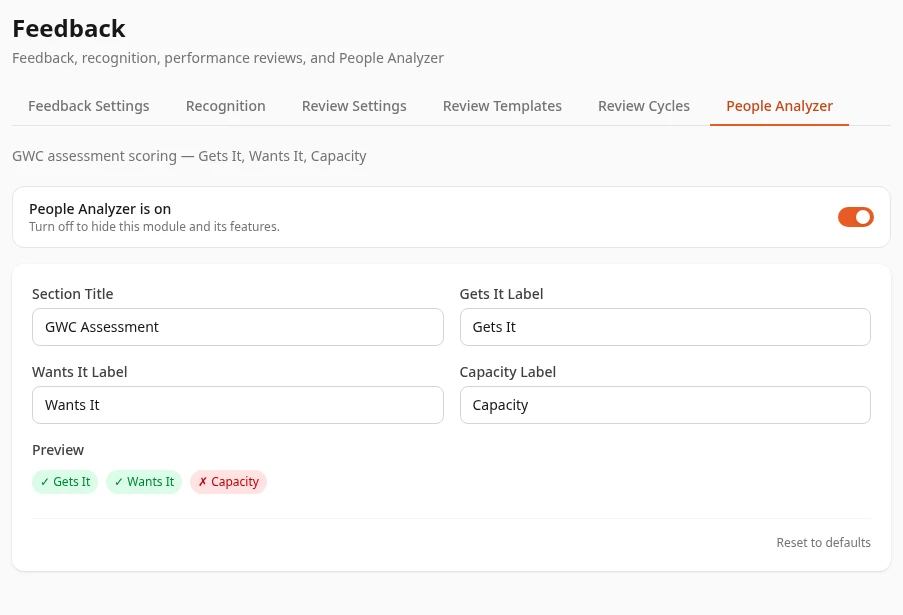
| Setting | What it does | Default |
|---|---|---|
| Section Title | Saved, but has no effect yet. Results always say GWC Assessment. | GWC Assessment |
| Gets It Label, Wants It Label, Capacity Label | Saved, but have no effect yet. Results always say Gets It, Wants It and Capacity. Preview shows your labels on sample badges. | Gets It, Wants It, Capacity |
What the People Analyzer is on switch changes today:
- People’s review results show a GWC Assessment next to their scores, when they have People Analyzer scores.
- Profiles have a Performance card with the person’s Value Scores and Competency Radar from their reviews. People see it on their own profile, and managers and HR on the profiles of the people whose reviews they can read.
- Dashboards can show Avg PA and Avg Team PA (— while nobody has scores), and the review-based performance widgets, such as Team Performance on the Team Dashboard.
Turning it off hides all of these, the review-based ones included. Reviews themselves keep working. See Read your team’s review results.
Can’t see this?
Section titled “Can’t see this?”- There’s no Feedback card in Settings. You need admin mode, or a role that can save one of its tabs. See Settings and admin mode.
- Save changes fails with an access error. Saving needs Performance › Manage review cycles (Review Settings) or Performance › Manage GWC config (People Analyzer), in addition to opening the card. See Custom roles.