Recognize a colleague
Este conteúdo não está disponível em sua língua ainda.
Kudos are short, public thank-yous with a badge. You send them from the Recognition page, and everyone in your company can read them in the recognition feed.
Give kudos
Section titled “Give kudos”-
Select Recognition in the menu bar, then + Give Recognition.
On a colleague’s profile, Give Recognition opens the same form with their name already filled in.
-
In Recipient, type the first two or more letters of your colleague’s first or last name, then select them in the list. You can’t give kudos to yourself.
-
Choose a Badge Type: 🔧 Problem Resolver, 🏃 Extra Mile, 🤝 Helping Hand, ➕ Plus One, 🔍 Detail Hero, 🏆 People Champion or 🎉 Celebration. 🤝 Helping Hand is selected at first.
-
Write your Message. It’s required and can be up to 500 characters. The counter under the box shows how many you’ve used.
-
Select Send Recognition.
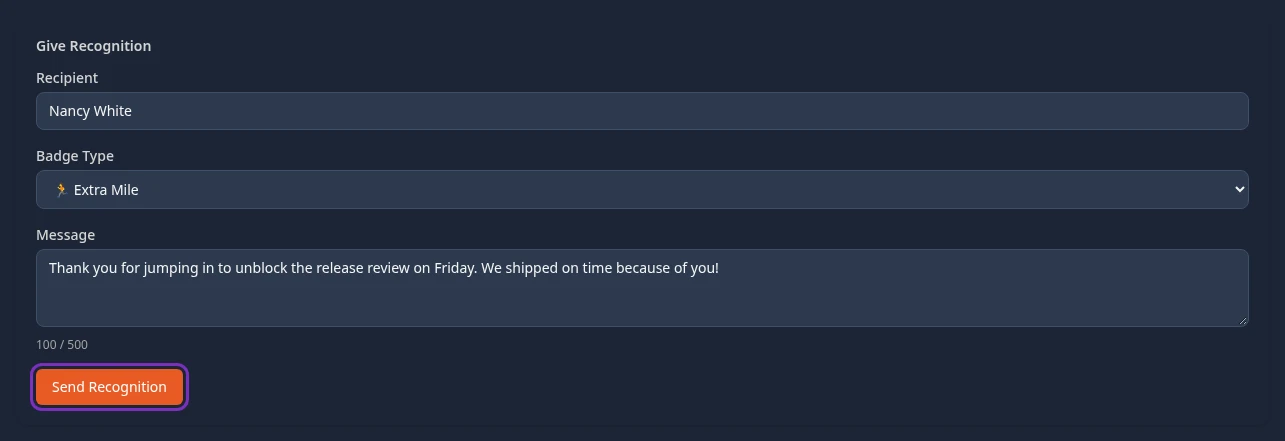
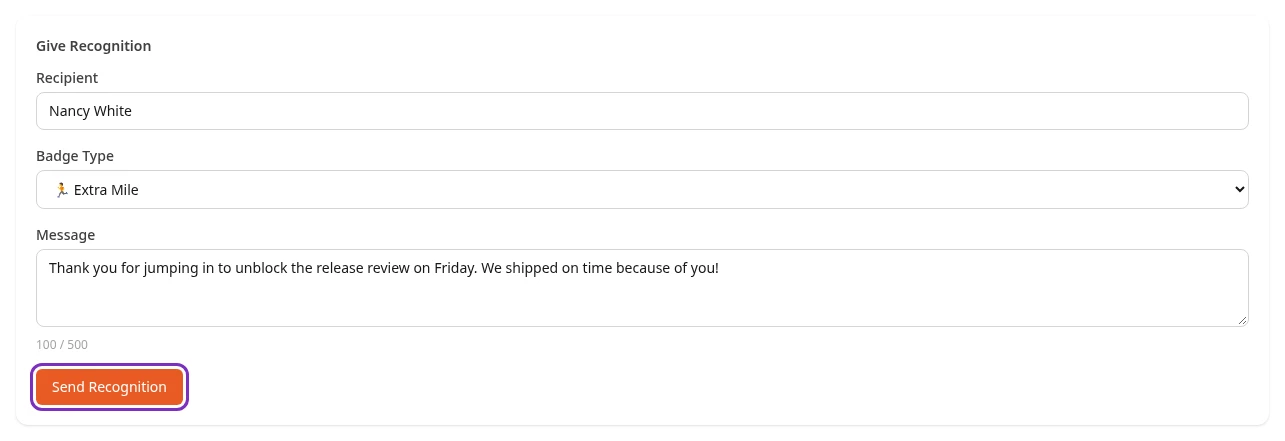
Recognition sent! appears and the form clears, so you can send another one. To close the form, select Cancel at the top of the page.
What happens next
Section titled “What happens next”- Your kudos goes to the top of the Company feed, where everyone in your company can read it, message included. The Recognition card on the dashboard shows the five newest kudos too.
- Your colleague gets a notification, You got kudos! 🎉, saying that you recognized them.
- The badge is added to the Earned badges on their profile.
- You can’t edit or delete kudos after you’ve sent it.
Read the recognition feed
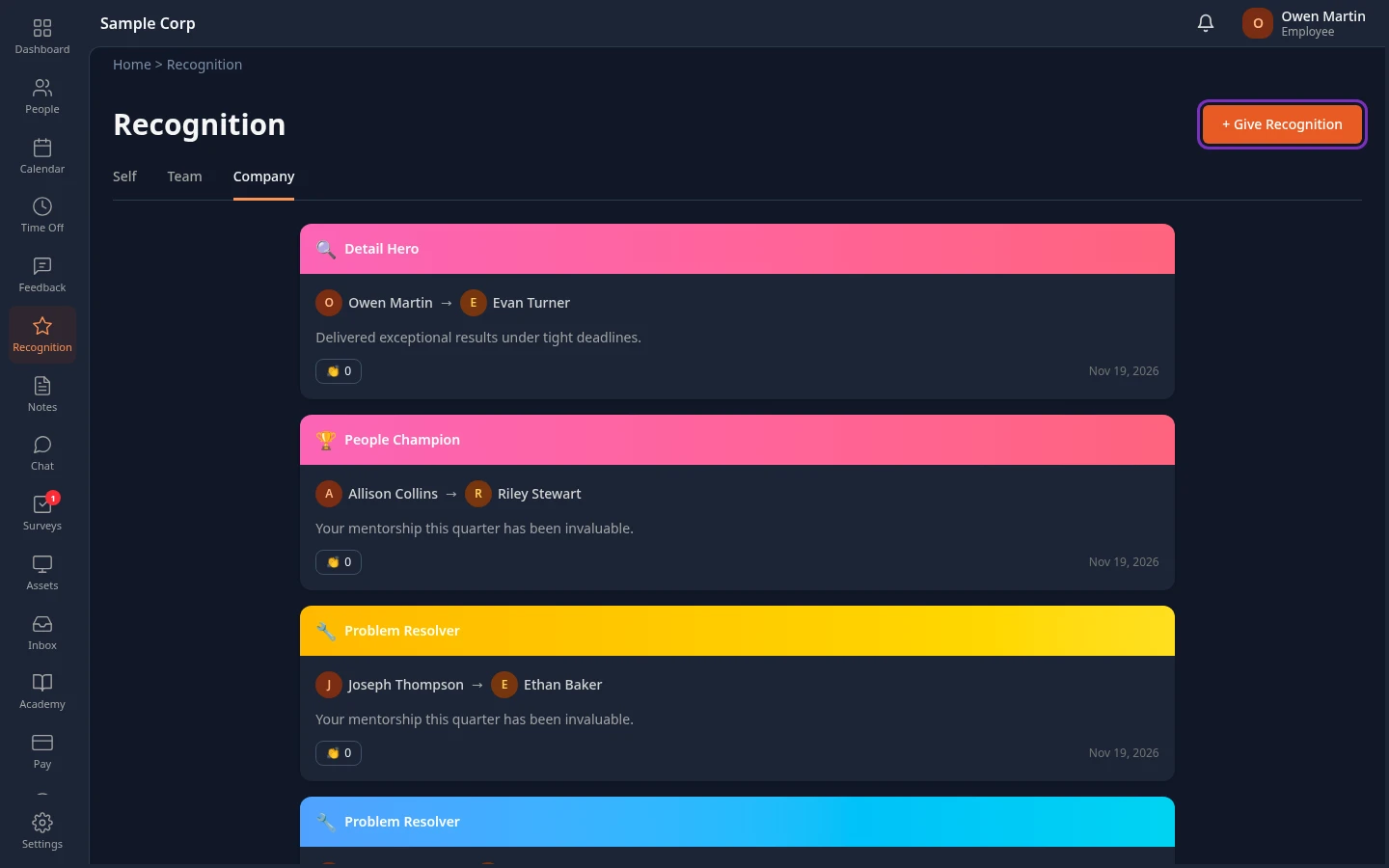
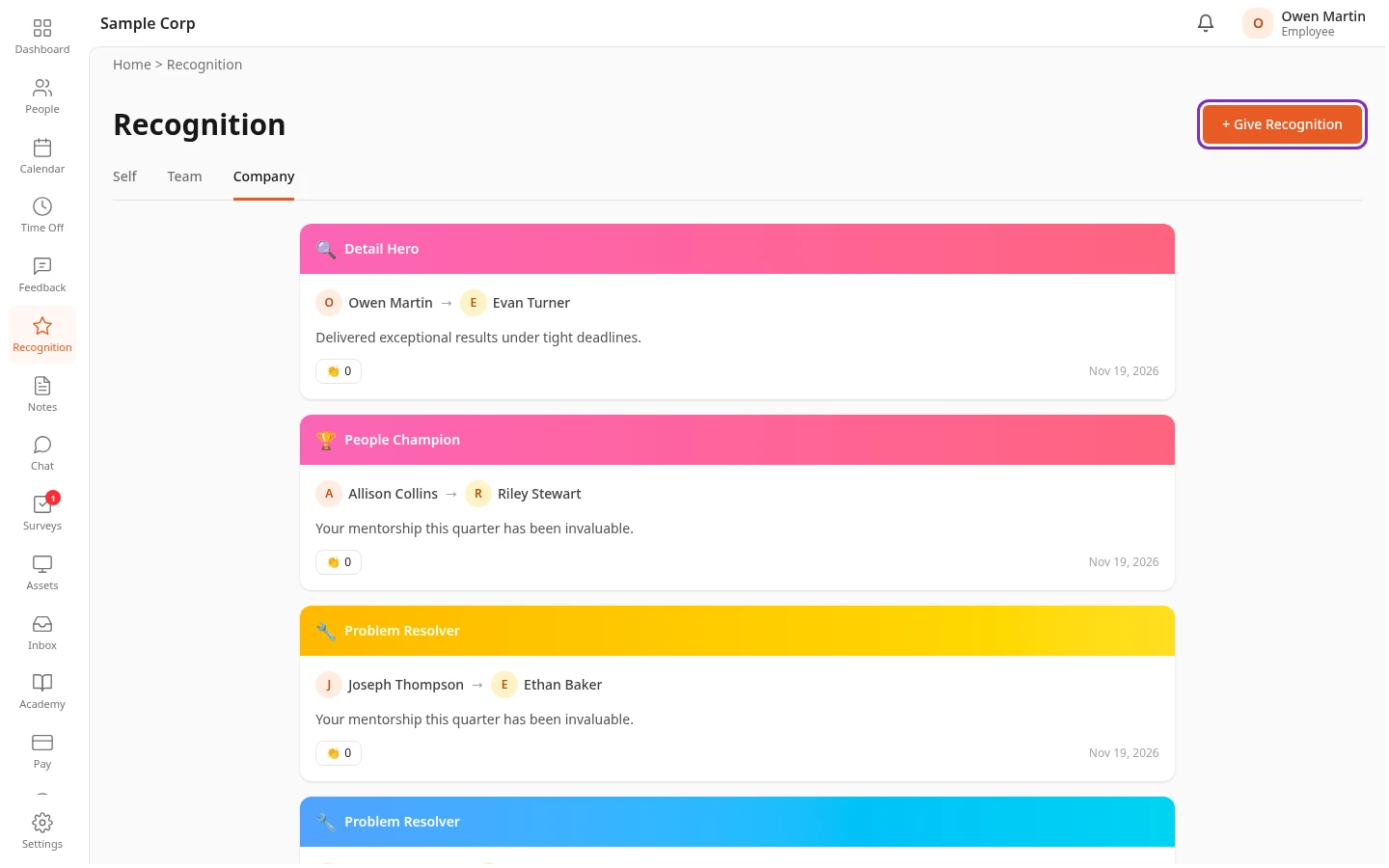
Section titled “Read the recognition feed”The Recognition page lists kudos, newest first. More load as you scroll down, up to 100.
| Tab | What it shows |
|---|---|
| Company | Every kudos given in your company. The page opens on this tab. |
| Self | The kudos you gave and the ones you received. |
| Team | Meant for your team’s kudos, but today it shows almost the same as Self: kudos between your teammates aren’t in it. Use Company to see them. |
On each card:
- Select a name to open that person’s profile.
- Select 👏 to applaud the kudos. The number next to it counts the applause. Select it again to take yours back. Nobody is notified when you applaud.
Your badges
Section titled “Your badges”Your profile has a Recognition section with your badges. Everyone who can open your profile sees it.
- Earned has a tile for each badge you’ve received in kudos. A count such as x3 shows when you’ve received the same badge more than once.
- Milestones has badges for your time at the company, worked out from your start date. You get them automatically, and they don’t appear in the feed.
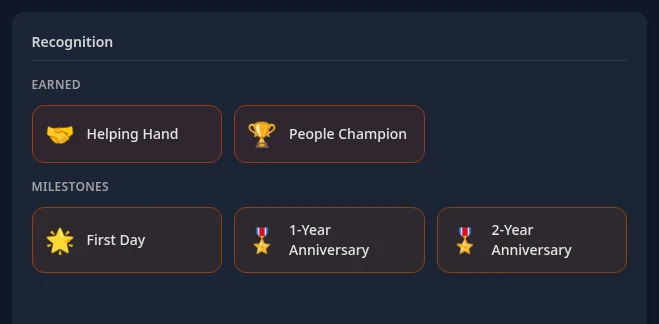
Unless your company changed them, these are the milestones:
| Badge | When you get it |
|---|---|
| 🌟 First Day | From your first day |
| 🎖️ 1-Year Anniversary, 2-Year Anniversary, 3-Year Anniversary, 4-Year Anniversary | After each of your first four years |
| ⭐ 5-Year Anniversary | After 5 years |
| 💎 10-Year Anniversary | After 10 years |
| 👑 15-Year Anniversary | After 15 years |
| 🏛️ 20-Year Anniversary | After 20 years |
HR Admins and Admins in admin mode can change the milestones, or turn off Include First Day badge, in Settings › Feedback › Recognition. If you have no badges yet, the section says No badges earned yet.
Can’t see this?
Section titled “Can’t see this?”- There’s no Recognition in your menu bar. The Recognition module is turned off for your company, or your roles don’t include it. Ask your admin.
- The Self, Team and Company tabs disappeared. None of the kudos matched the tab you selected, for example Self before you’ve given or received any. Reload the page to see the Company feed again.
- The page is empty under the title. Nobody in your company has given kudos yet. Select + Give Recognition to be the first.
- Your colleague isn’t in the Recipient list. Type the start of their first or last name; letters from the middle of a name don’t match. People who have left the company aren’t listed.