Find your course certificates
यह कंटेंट अभी तक आपकी भाषा में उपलब्ध नहीं है।
You earn a certificate for every course you complete in Academy. Your certificates are listed on your own profile, in the Certifications section.
Earn a certificate
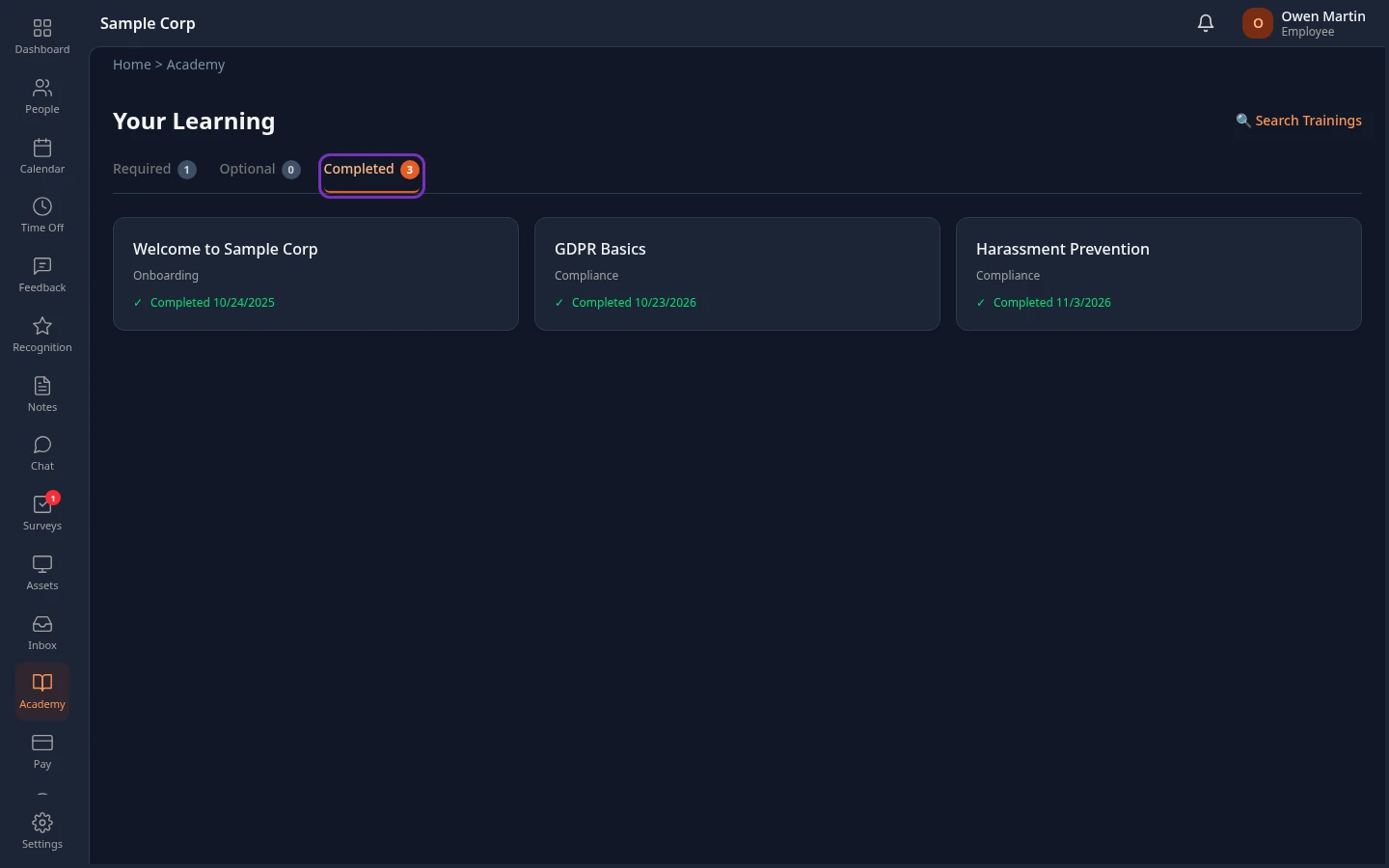
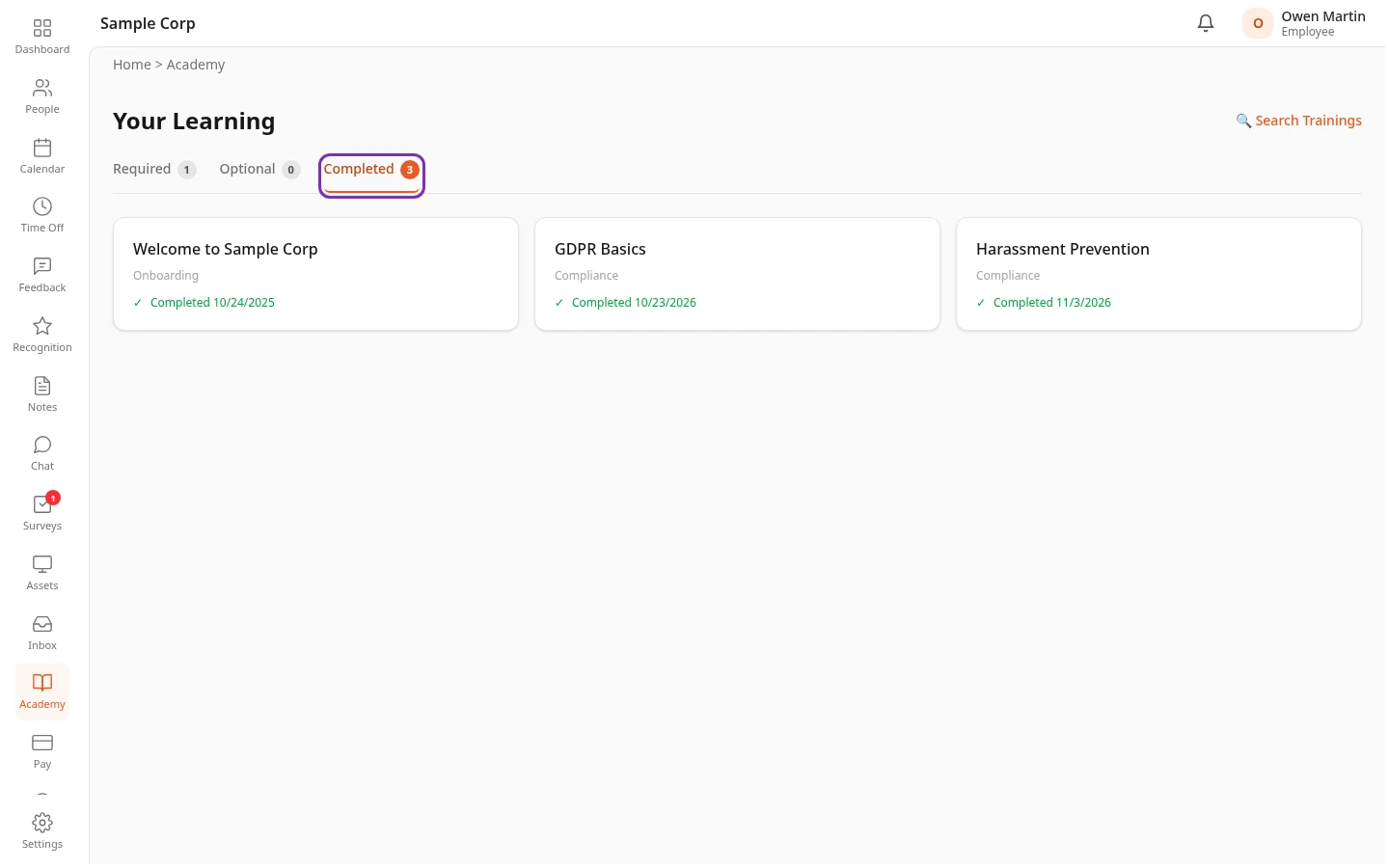
Section titled “Earn a certificate”Complete every module of a course. See Take a course. The course then moves to the Completed tab of Your Learning, with the date you finished it, and its certificate is added to your profile.
See your certificates
Section titled “See your certificates”-
Select your name in the top bar, then View Profile.
-
Scroll down to Certifications. On a phone, tap Certifications to open the section.
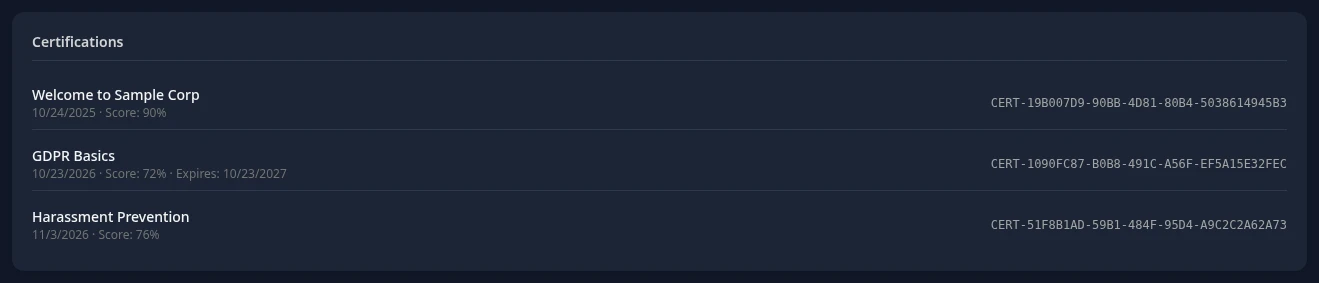
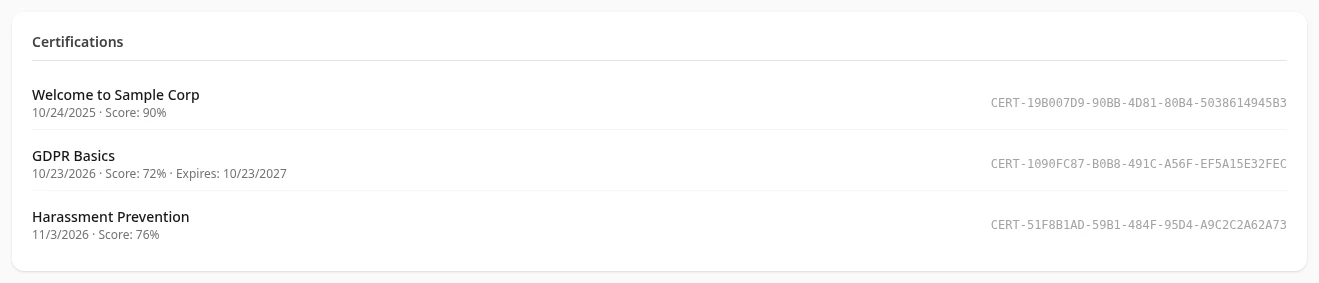
Each line shows:
- the course and the date you completed it,
- Score, when a score was recorded for the course,
- Expires and a date, for a course you have to take again after a while,
- on the right, the certificate ID, which starts with CERT-.
The section only appears on your own profile. Colleagues, your manager and HR don’t see it when they open your profile.
At the moment you can’t open, download or print a certificate in Anima HR. If you need proof that you completed a course, ask your HR team.
When a certificate expires
Section titled “When a certificate expires”Some required courses, such as compliance training, have to be taken again regularly, for example every year. Their certificates show Expires and a date.
Shortly after that date, the course is assigned to you again. It appears on Your Learning, under Required when your company requires it, with a new deadline when the course has one. The expired certificate leaves your profile, and you earn a new one when you complete the course again.
Can’t see this?
Section titled “Can’t see this?”- There’s no Certifications section on your profile. You haven’t completed a course yet, or the Academy module is turned off for your company.