Feedback settings
यह कंटेंट अभी तक आपकी भाषा में उपलब्ध नहीं है।
The Feedback Settings tab of the Feedback card in Settings holds limits for written feedback between colleagues: how long it can be, how long a request stays open, and who can read each kind. It also has the switch for the Feedback module, which hides the Feedback page where people write their performance reviews.
Open Feedback Settings
Section titled “Open Feedback Settings”-
Select Settings in the menu bar. If you’re an Admin, turn on admin mode first: select your name at the top right, then Elevate to Admin.
-
Open Feedback. It opens on the Feedback Settings tab.
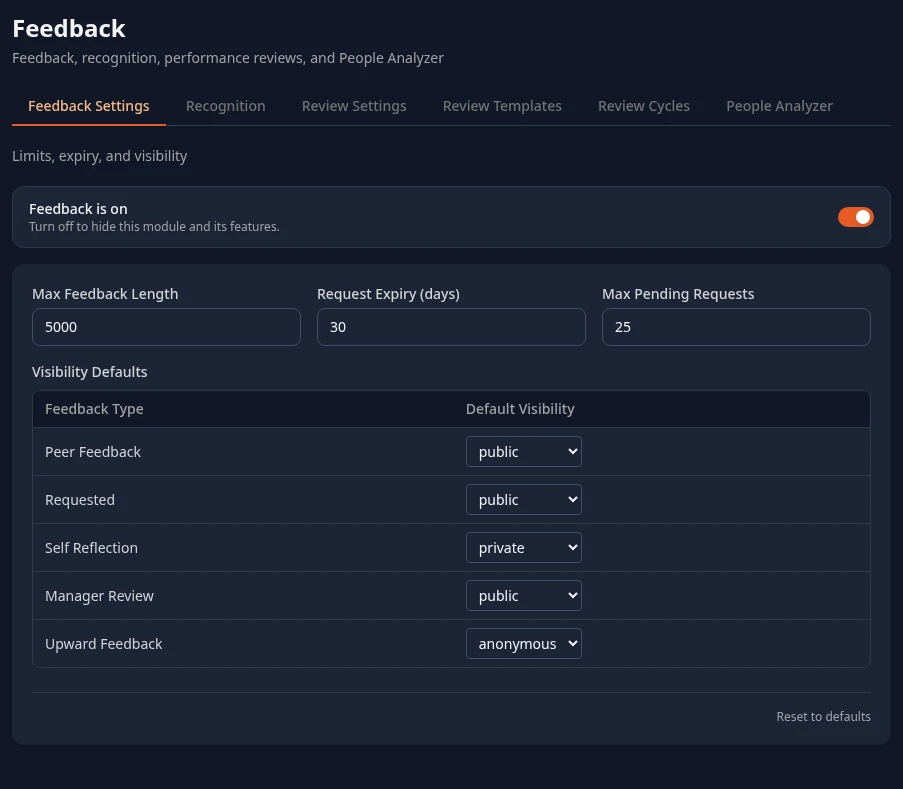
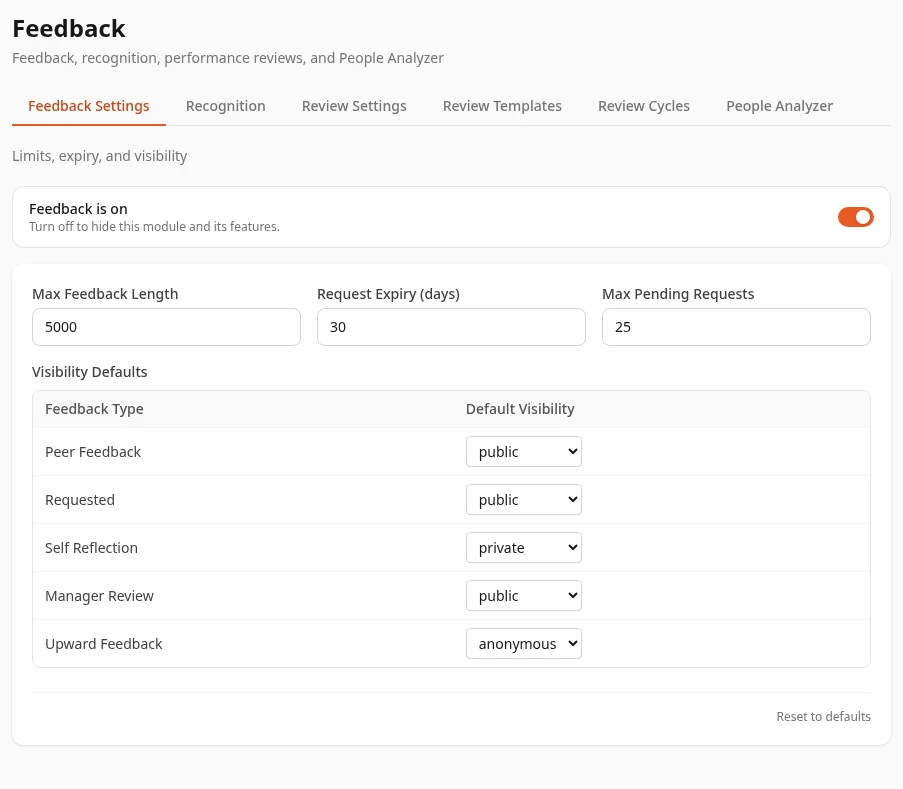
The Feedback switch
Section titled “The Feedback switch”Feedback is on turns the Feedback module on or off for everyone. Because performance reviews are written on the Feedback page, turning it off affects reviews too:
- Feedback disappears from the menu bar, so people lose the way to their reviews.
- Managers lose the 👥 Team tab, and the Performance Reviews link on their reports’ profiles.
Leave it on while you run review cycles. To turn reviews off, use the Performance is on switch on the Review Settings tab instead. See Turn modules on and off.
Settings
Section titled “Settings”| Setting | What it’s meant to do | Default |
|---|---|---|
| Max Feedback Length | The longest a piece of feedback can be, in characters, from 100 to 50,000. Has no effect yet. | 5000 |
| Request Expiry (days) | How long a feedback request stays open, from 1 to 365 days. Has no effect yet: requests never expire. | 30 |
| Max Pending Requests | How many open requests a person can have, from 1 to 100. Has no effect yet. | 25 |
| Visibility Defaults | Who can read each kind of feedback by default: public, private or anonymous. Has no effect yet, and doesn’t change who can read performance reviews: that’s set by each cycle’s template. | public for Peer Feedback, Requested and Manager Review; private for Self Reflection; anonymous for Upward Feedback |
The numbers have to be within their ranges, or saving fails. To change anything, edit it and select Save changes in the bar at the bottom of the page. Reset to defaults puts the defaults back into the form; nothing changes until you save.
Can’t see this?
Section titled “Can’t see this?”- There’s no Feedback card in Settings. You need admin mode, or a role that can save one of its tabs. See Settings and admin mode.
- The tab says Feedback is turned off. Select Enable Feedback to turn it on for everyone.
- Save changes fails with an access error. Saving needs Feedback › Manage settings, in addition to opening the card. See Custom roles.