Shift settings
यह कंटेंट अभी तक आपकी भाषा में उपलब्ध नहीं है।
Settings › Time & Attendance › Shifts holds a few rules for shift requests and rest between shifts. None of them change anything yet, and the shifts themselves (which shifts your company runs and who works them) can’t be set up in the app. This page explains what’s there, so you know what to expect before you turn Shifts on.
Open the shift settings
Section titled “Open the shift settings”-
Select Settings in the menu bar. If you’re an Admin, turn on admin mode first: select your name at the top right, then Elevate to Admin.
-
Open Time & Attendance, then the Shifts tab.
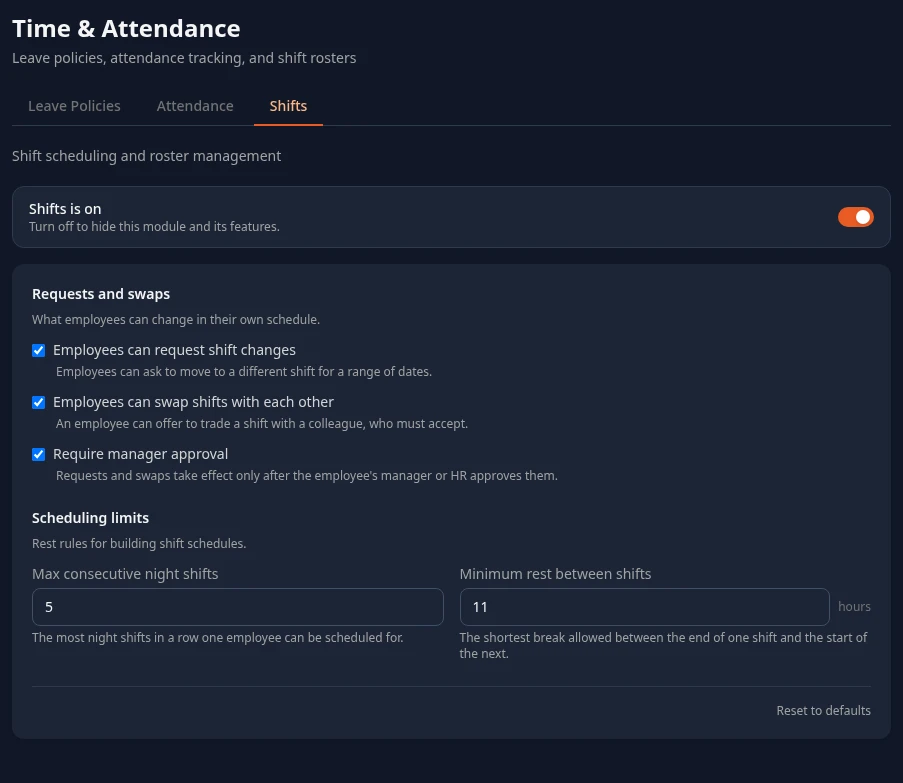
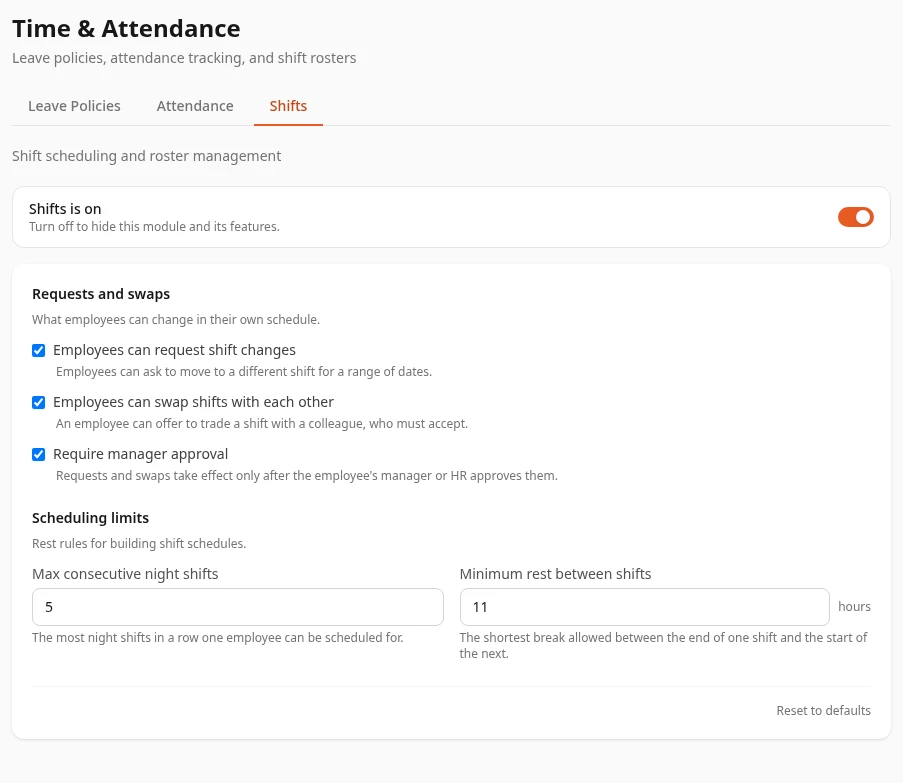
Shifts is on, at the top of the tab, turns the Shifts module on or off for everyone. It’s off in a new workspace. With it on, everyone gets a Shifts tab on the Time & Attendance page. See Turn modules on and off.
The settings
Section titled “The settings”Every setting on this tab is saved, but nothing in Anima HR uses it yet.
| Setting | What it says | What happens today | Default |
|---|---|---|---|
| Employees can request shift changes | Employees can ask to move to another shift for a range of dates. | Everyone with the Shifts tab can send a request, whether it’s ticked or not. | On |
| Employees can swap shifts with each other | An employee can offer to trade a shift with a colleague. | There’s no way to swap shifts. | On |
| Require manager approval | Requests and swaps take effect only once approved. Greyed out when both boxes above are off. | Requests always wait as Pending. | On |
| Max consecutive night shifts | The most night shifts in a row for one person. | Not checked. | 5 |
| Minimum rest between shifts | The shortest break between two shifts. | Not checked. | 11 hours |
What you can’t do in the app yet
Section titled “What you can’t do in the app yet”- Set up shifts. There’s no screen to add, change or delete the shifts your company runs, such as a day shift or a night shift. Until there is, people see No shifts defined under Available Shifts. The sample data comes with a few shifts.
- Assign people to shifts. There’s no screen to put someone on a shift, so My Current Shift says No shift currently assigned. Contact your manager. for anyone without a shift from the sample data.
- Approve or reject shift requests. No one is told about a request, and there’s no screen where a manager or HR decides on it.
- See a schedule. HR Admins and Admins in admin mode only see how many people are on shift today, under Today’s Roster on their own Shifts tab.
Shift times aren’t used by attendance either: late arrivals and overtime use the work day in the attendance settings.
Who can change these settings
Section titled “Who can change these settings”HR Admins, and Admins in admin mode. The tab shows for roles with Manage types in Shifts, which HR Admins have.