See your shifts
Employee
The Shifts tab on the Time & Attendance page shows the shift you’re assigned to now and every shift your company has set up.
Open your shifts
Section titled “Open your shifts”-
Select Time Off in the menu bar. When your company uses Shifts, the page title is Time & Attendance.
-
Select the Shifts tab.
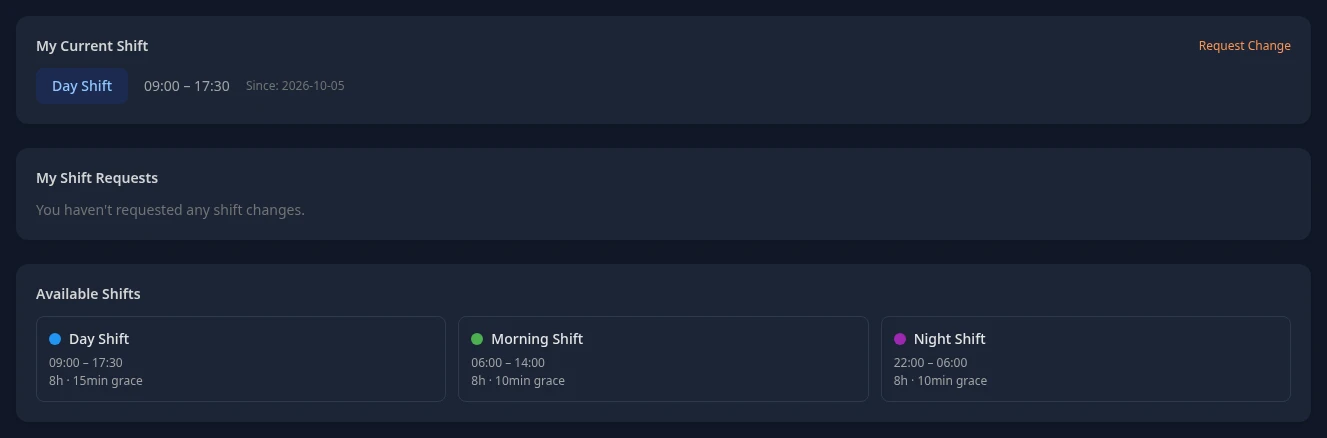
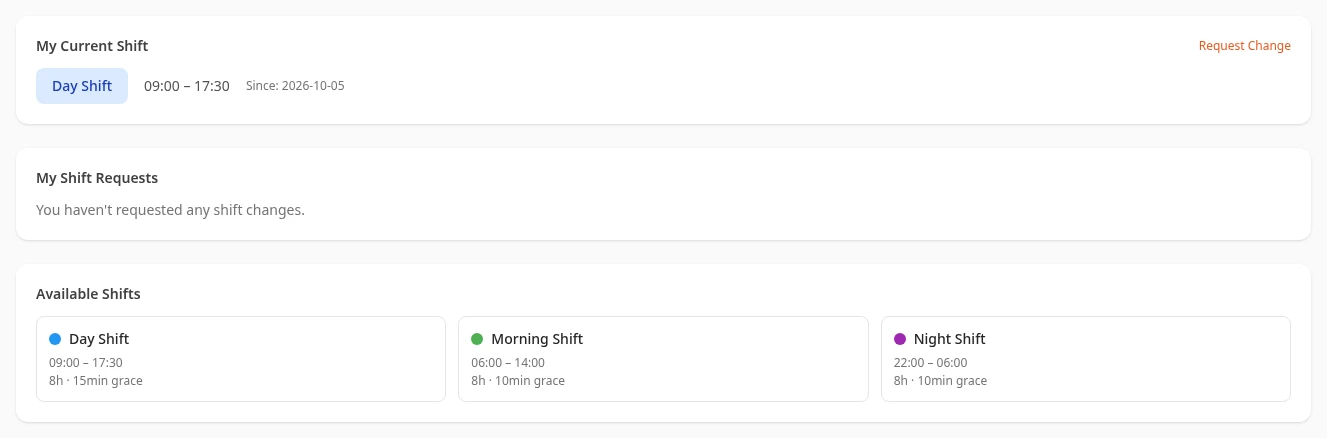
What’s on the tab
Section titled “What’s on the tab”| Section | What it shows |
|---|---|
| My Current Shift | Your shift now, or your next one if you aren’t assigned a shift today: its name, start and end times, and Since: with the date that assignment starts. |
| My Shift Requests | The shift changes you’ve asked for. See Request a shift change. |
| Available Shifts | Every shift your company runs, with its start and end times, its length and its grace period, such as 8h · 15min grace. |
- The tab only shows the shift you’re on now. It doesn’t show your shifts for the coming weeks, or which days of the week you work.
- A shift that ends earlier than it starts, such as 22:00 – 06:00, ends the next morning.
- A shift’s grace period isn’t used when you clock in: lateness is counted from your workspace’s work day. See Late arrivals and overtime.
Who sets up shifts
Section titled “Who sets up shifts”Your HR team decides which shifts your company runs and who works them. Anima HR doesn’t have a screen for setting up or assigning shifts yet, so if your shift is missing or wrong, ask HR. Managers see only their own shift on this tab, like everyone else.
HR Admins and admins in admin mode also see Today’s Roster when people are on shift today. It only shows how many, such as On shift today: 12.
Can’t see this?
Section titled “Can’t see this?”- There’s no Shifts tab. The Shifts module is turned off for your company. An admin can turn it on.
- My Current Shift says No shift currently assigned. Contact your manager. You have no current or upcoming shift. Ask your manager or your HR team.
- Available Shifts says No shifts defined. Your company hasn’t set up any shifts. Ask your admin.