See how your team is doing
Manager
The Team Dashboard sums up the people who report to you directly: how many there are, whose time off is waiting for your decision, who’s away, and how their reviews have gone. It’s the first thing you see when you select Dashboard in the menu bar.
Open the Team Dashboard
Section titled “Open the Team Dashboard”Select Dashboard in the menu bar. As a manager, it opens on the Team Dashboard tab. My Dashboard, next to it, is the dashboard every employee has, about your own time off, team and performance.
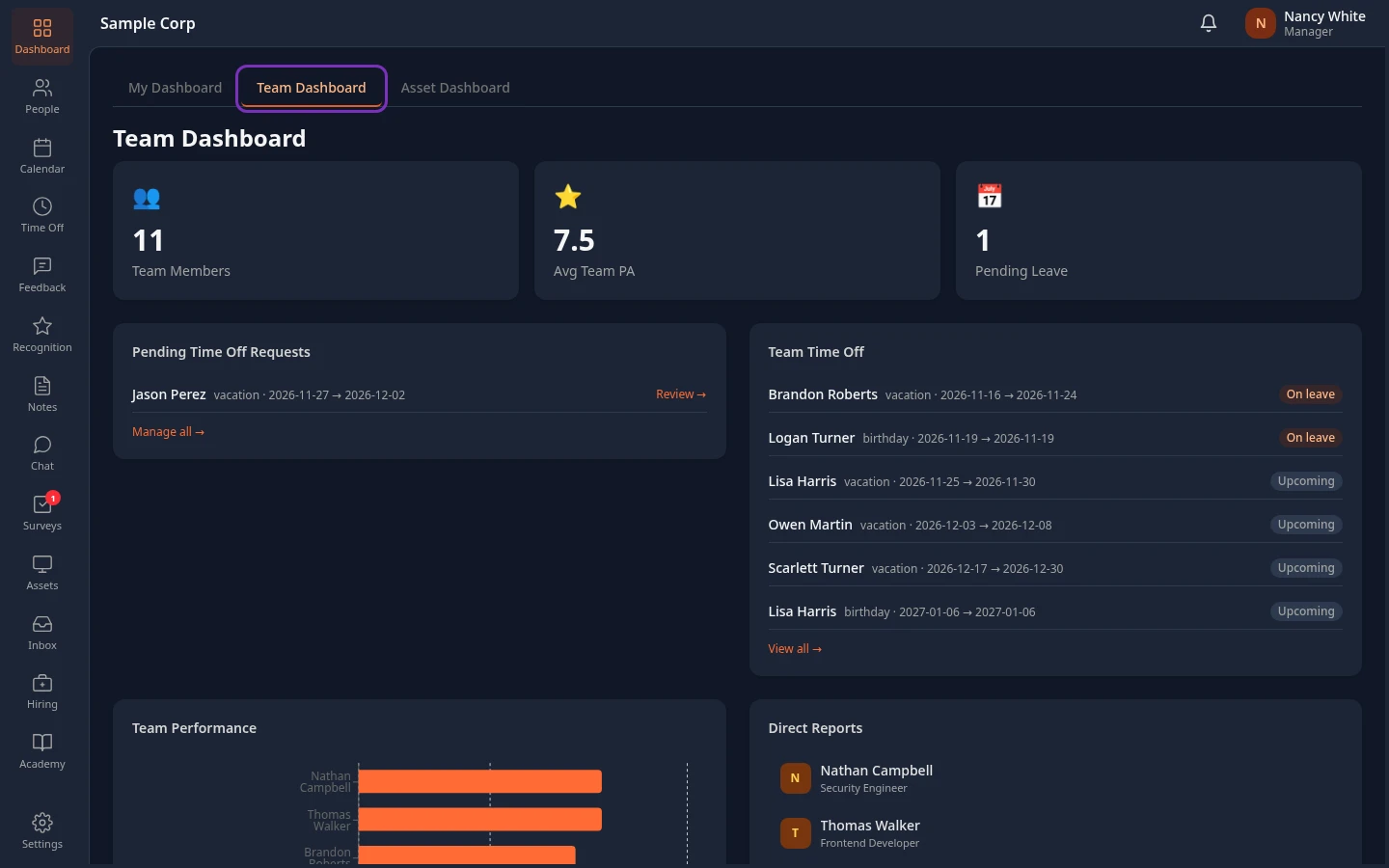
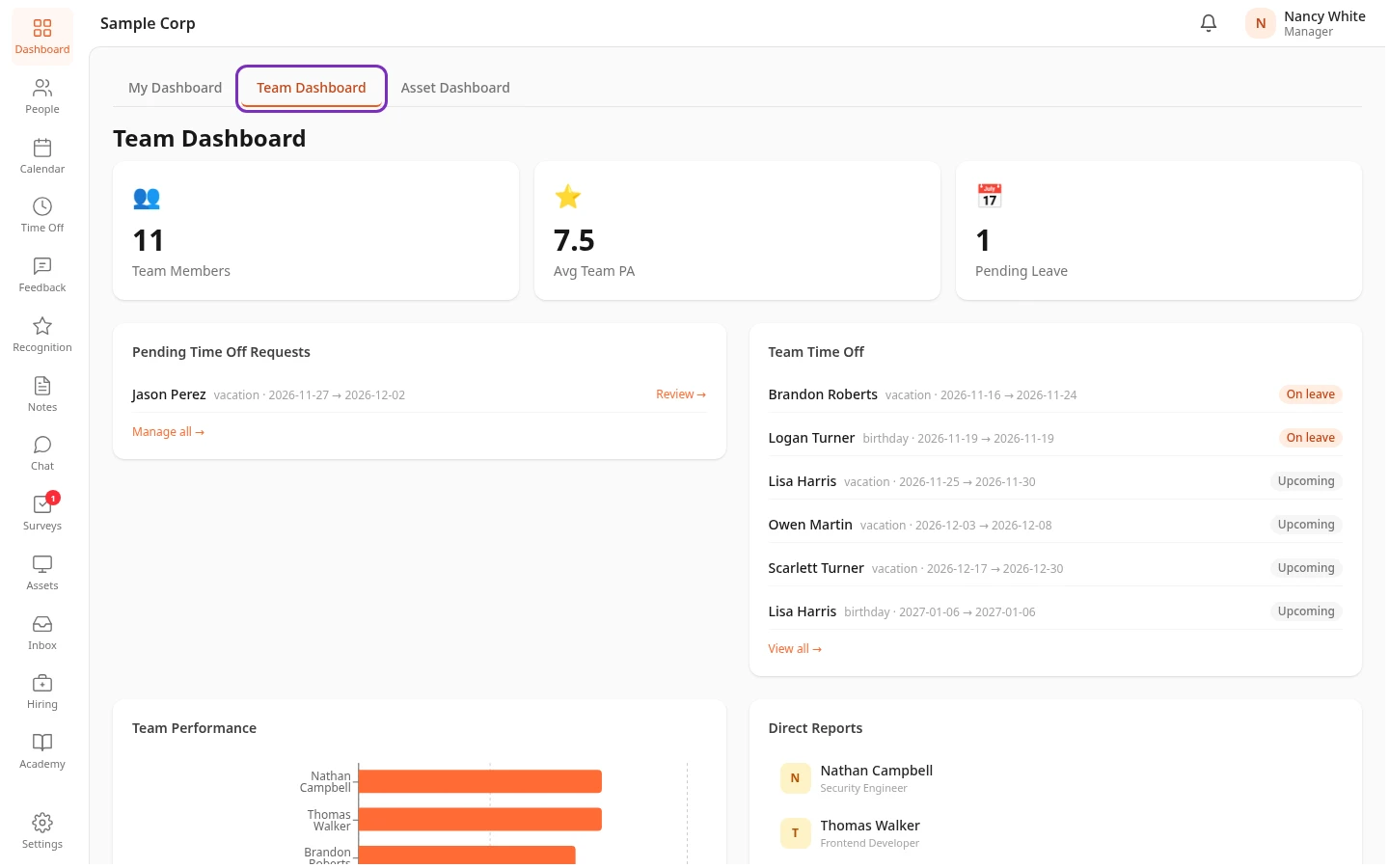
What the cards show
Section titled “What the cards show”| Card | What it shows |
|---|---|
| Team Members | How many direct reports you have. People who have left the company aren’t counted. |
| Avg Team PA | The average People Analyzer total (PA Total) of your direct reports. The People Analyzer scores people on each of your company’s values, and the total adds those scores up. — means none of your direct reports has a score. |
| Pending Leave | How many time-off requests from your direct reports are waiting for a decision. |
| Pending Time Off Requests | Those requests: who asked, the type of leave and the dates. |
| Team Time Off | Your direct reports’ approved time off that hasn’t ended yet, the earliest first. On leave means it has started, Upcoming that it hasn’t. |
| Team Performance | The average of the ratings in each direct report’s reviews, as a bar on a scale of 0 to 5. |
| Direct Reports | Everyone who reports to you directly, with their title. |
| Company Calendar | The next eight events on your calendar: holidays (Holiday), team events (Team) and other events (Event). |
| Recognition | The five newest kudos in the company. |
Time off
Section titled “Time off”- Review → next to a request and Manage all → under the list open the Team Requests tab of the Time Off page, where you approve or reject requests. See Approve or reject time off.
- A request that also needs HR, such as one longer than 5 days with the standard approval flow, stays in Pending Leave and Pending Time Off Requests after you approve it, until HR decides.
- View all → under Team Time Off also opens Team Requests, which only lists the requests waiting for a decision, not approved time off. To see which days people are away, use the Calendar tab of the Time Off page. See See your team’s time off.
Review scores
Section titled “Review scores”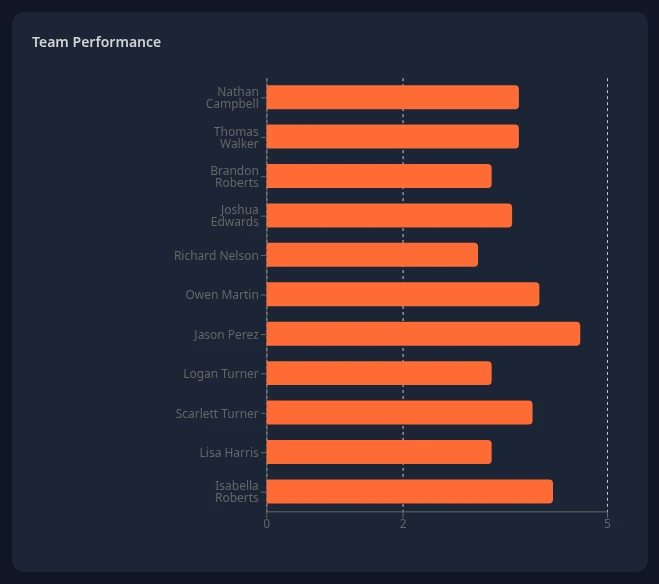
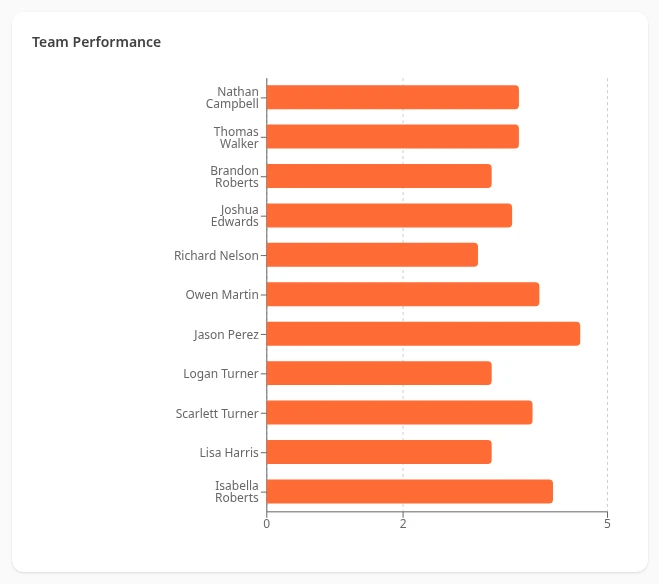
- Team Performance counts every rating about the person: their self-reviews and their peer and manager reviews, from every review cycle. A rating counts as soon as it’s saved, before the review is submitted.
- People without any rating yet don’t get a bar. If none of your direct reports has one, the card says No review data.
- To read someone’s reviews, open their profile and select Performance Reviews: see Read your team’s review results.
Your direct reports, calendar and recognition
Section titled “Your direct reports, calendar and recognition”- Select a name under Direct Reports to open that person’s profile. See View a team member’s profile.
- View full calendar → under Company Calendar opens the Calendar page.
- View all → under Recognition opens the Feedback page, not the kudos. To see all the kudos, select Recognition in the menu bar.
What isn’t on the Team Dashboard
Section titled “What isn’t on the Team Dashboard”- Review progress. Your direct reports’ progress in the current review cycle is on the 👥 Team tab of the Feedback page. See Write your team’s reviews.
- Attendance and courses. You can’t see your team’s attendance or their Academy courses in the app yet. Each person sees their own: see View your attendance and Take a course.
If you’re also an HR Admin, or an Admin in admin mode, Viewing team of at the top of the Team Dashboard lets you choose a manager and see their team instead of yours.
Can’t see this?
Section titled “Can’t see this?”- There’s no Team Dashboard tab. Nobody reports to you on the org chart yet. See How you become a manager.
- There’s no Dashboard in your menu bar. Your company turned the dashboard off, or the item is hidden: see Choose what’s in your menu bar.
- A card is missing. Each card belongs to a module: Pending Leave, Pending Time Off Requests and Team Time Off to Time Off, Avg Team PA and Team Performance to the People Analyzer, Company Calendar to Calendar and Recognition to Recognition. Your admin can also turn cards off for every manager in Settings › Dashboard › Default Dashboard. You can hide Upcoming calendar and Recognition feed yourself: see Hide sections on some pages.
- Someone is missing from Direct Reports, or shouldn’t be there. Their Reports To isn’t you, or they’ve left the company. Ask your HR team to correct it.