See your team's time off
Manager
هذا المحتوى غير متوفر بلغتك بعد.
As a manager, the Calendar tab on the Time Off page shows your whole team’s time off, not just yours. Use it to spot busy weeks before you approve a request.
Open the team calendar
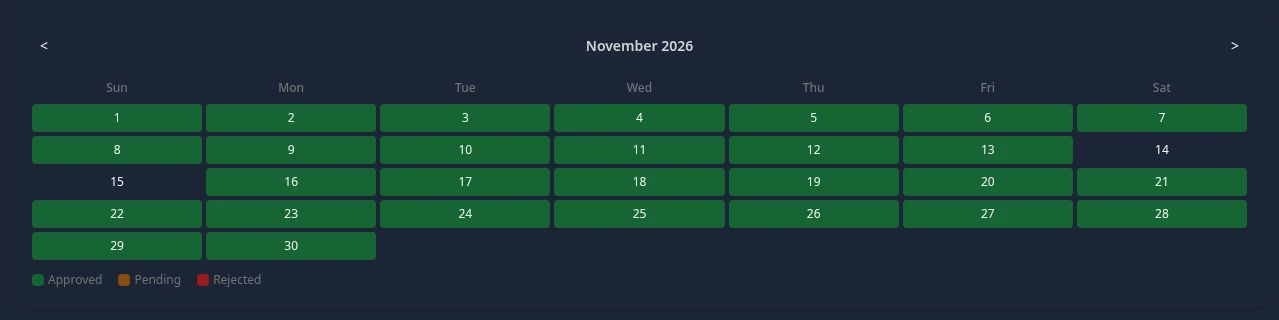
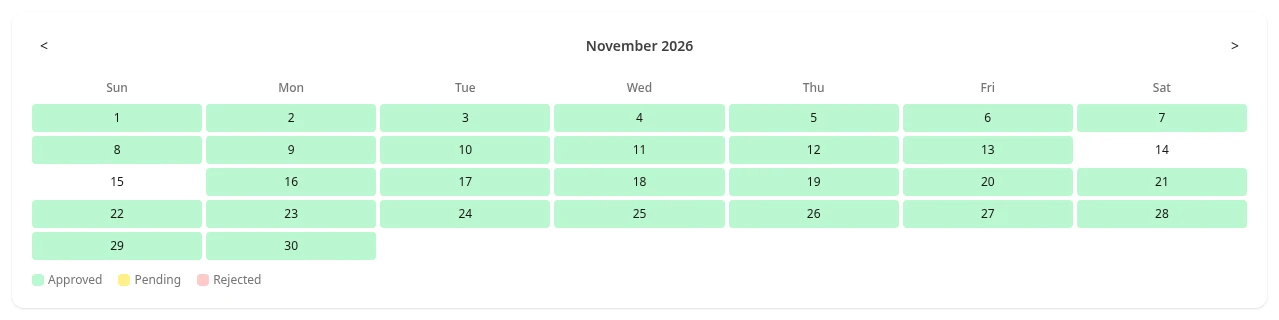
Section titled “Open the team calendar”Select Time Off in the menu bar, then the Calendar tab. Each day on which at least one person in your org has time off is colored by the status of those requests:
- Approved: someone is away that day.
- Pending: a request for that day is waiting for a decision.
- Rejected: a request for that day was turned down.
When a day has requests with different statuses, approved wins over pending, and pending over rejected. Use < and > to change the month.
See who is away
Section titled “See who is away”The calendar shows which days are affected, not who is away. To see the people:
- Pending requests are listed on the Team Requests tab, with names and dates.
- The Upcoming strip at the top of the page shows team events and company holidays.