Change or cancel a request
Employee
هذا المحتوى غير متوفر بلغتك بعد.
You can cancel a request while it’s still pending. Requests can’t be edited, so to change the dates or the leave type, cancel the request and send a new one.
Cancel a pending request
Section titled “Cancel a pending request”-
Select Time Off in the menu bar, then the My History tab.
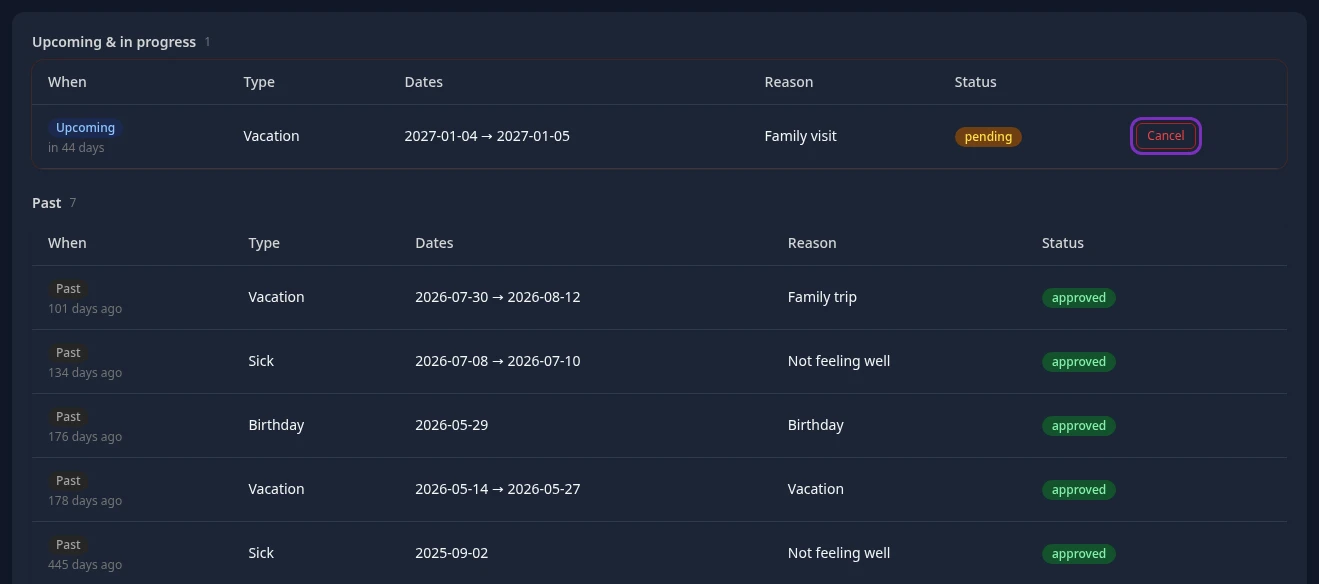
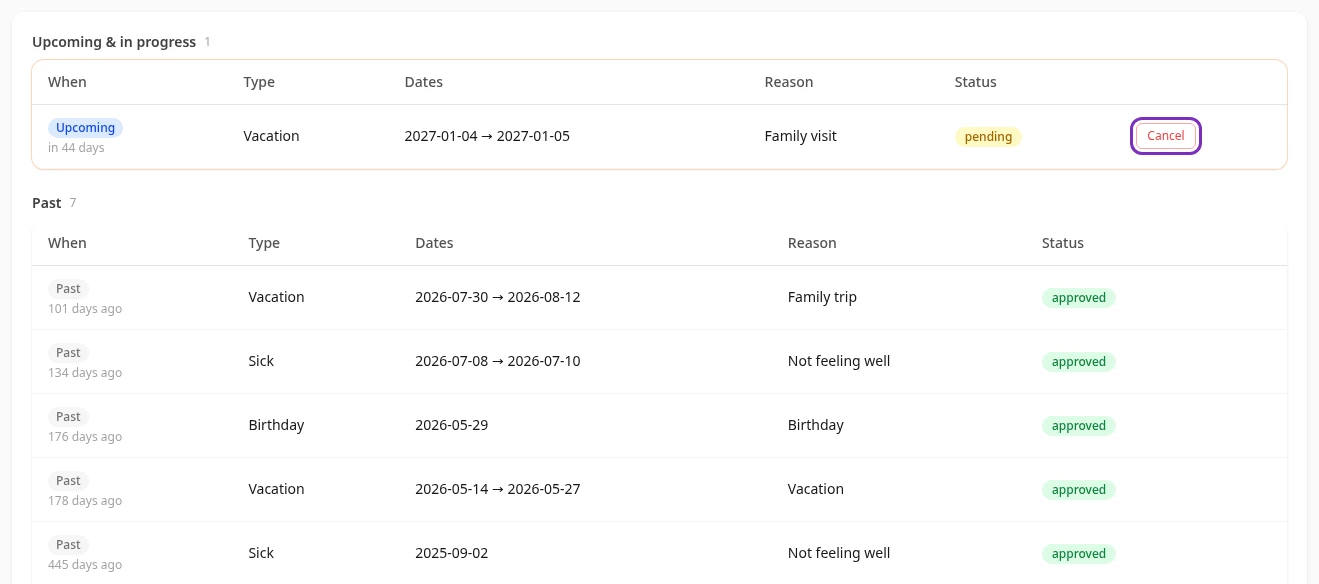
Your requests are split into Upcoming & in progress and Past.
-
Find the request and select Cancel.
-
Confirm with OK.
Leave request cancelled appears, the days go back into your balance, and your manager no longer sees the request.
Change the dates
Section titled “Change the dates”- Cancel the pending request as described above.
- Send a new request with the right dates.