See holidays and your time-off calendar
هذا المحتوى غير متوفر بلغتك بعد.
Anima HR shows holidays and events in three places: an Upcoming strip on the Time Off page, a calendar of your own requests, and the company Calendar.
Upcoming holidays and events
Section titled “Upcoming holidays and events”The Upcoming strip on the Time Off page shows the next holidays, company events and team events. The text on the right shows how many holidays are on the calendar and how many are still to come.


Your time off by month
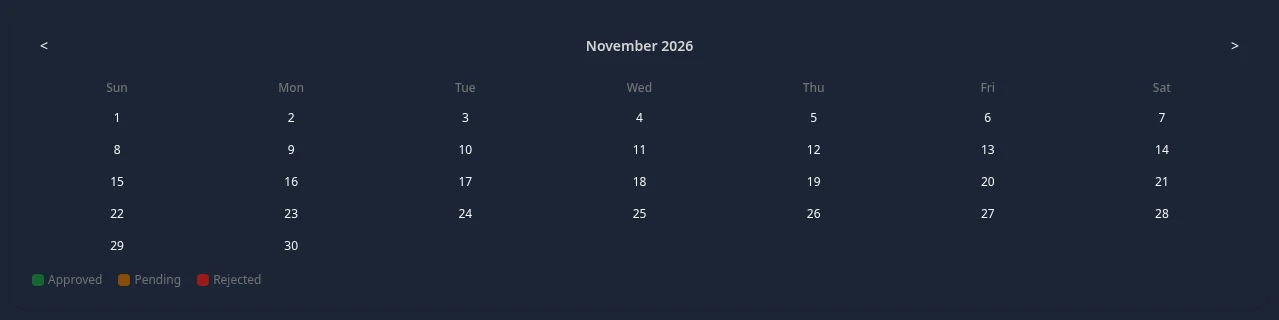
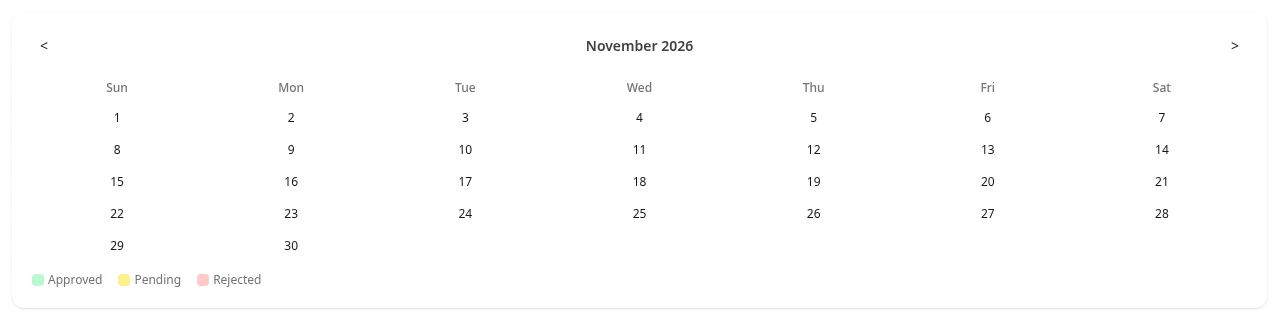
Section titled “Your time off by month”Select the Calendar tab on the Time Off page. Days you’ve requested are colored by status: Approved, Pending or Rejected. Use < and > to change the month.
The company calendar
Section titled “The company calendar”Select Calendar in the menu bar to see the whole month with holidays, company events and team events. Select Holiday, Company Event or Team Event above the calendar to show or hide each type.
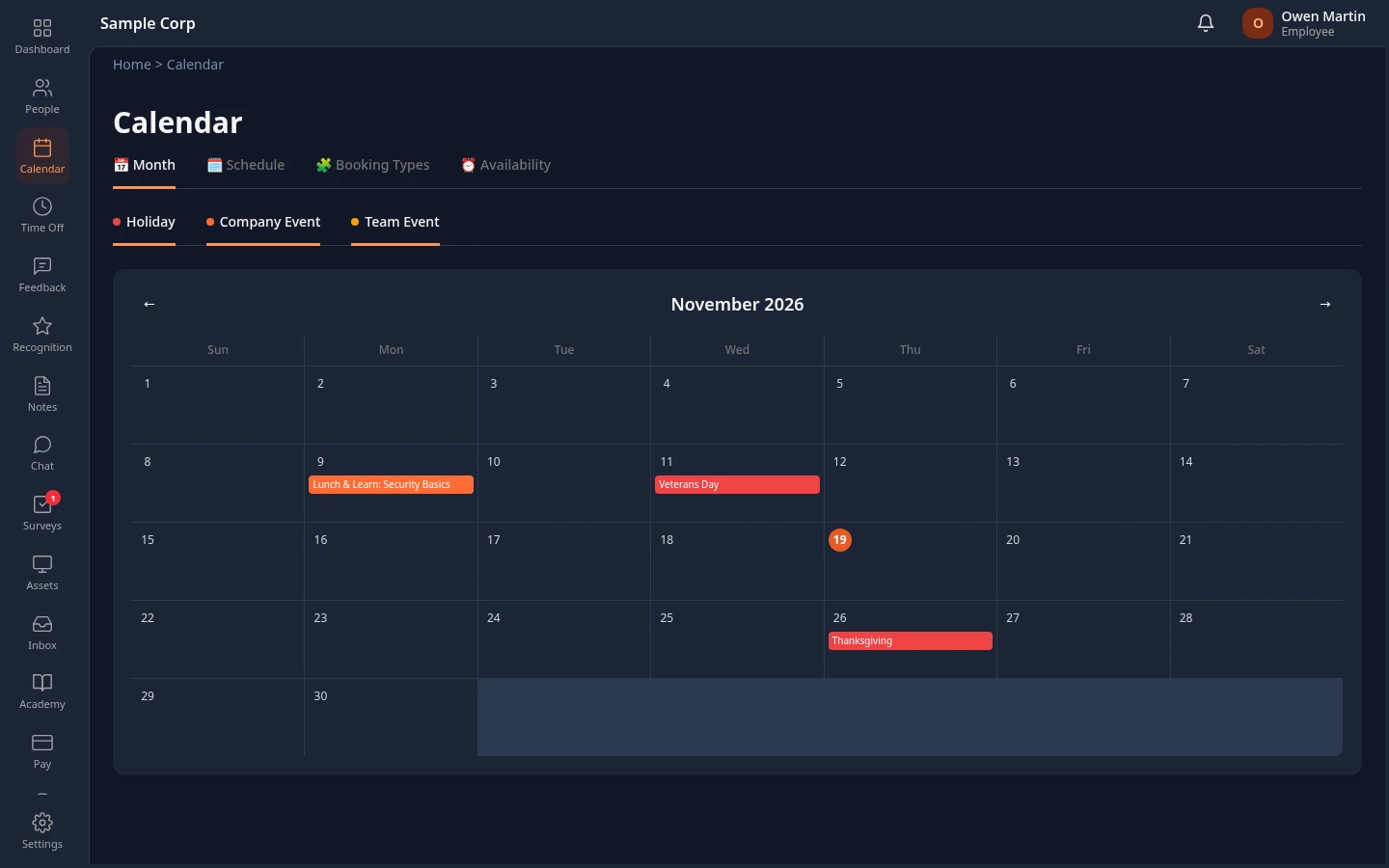
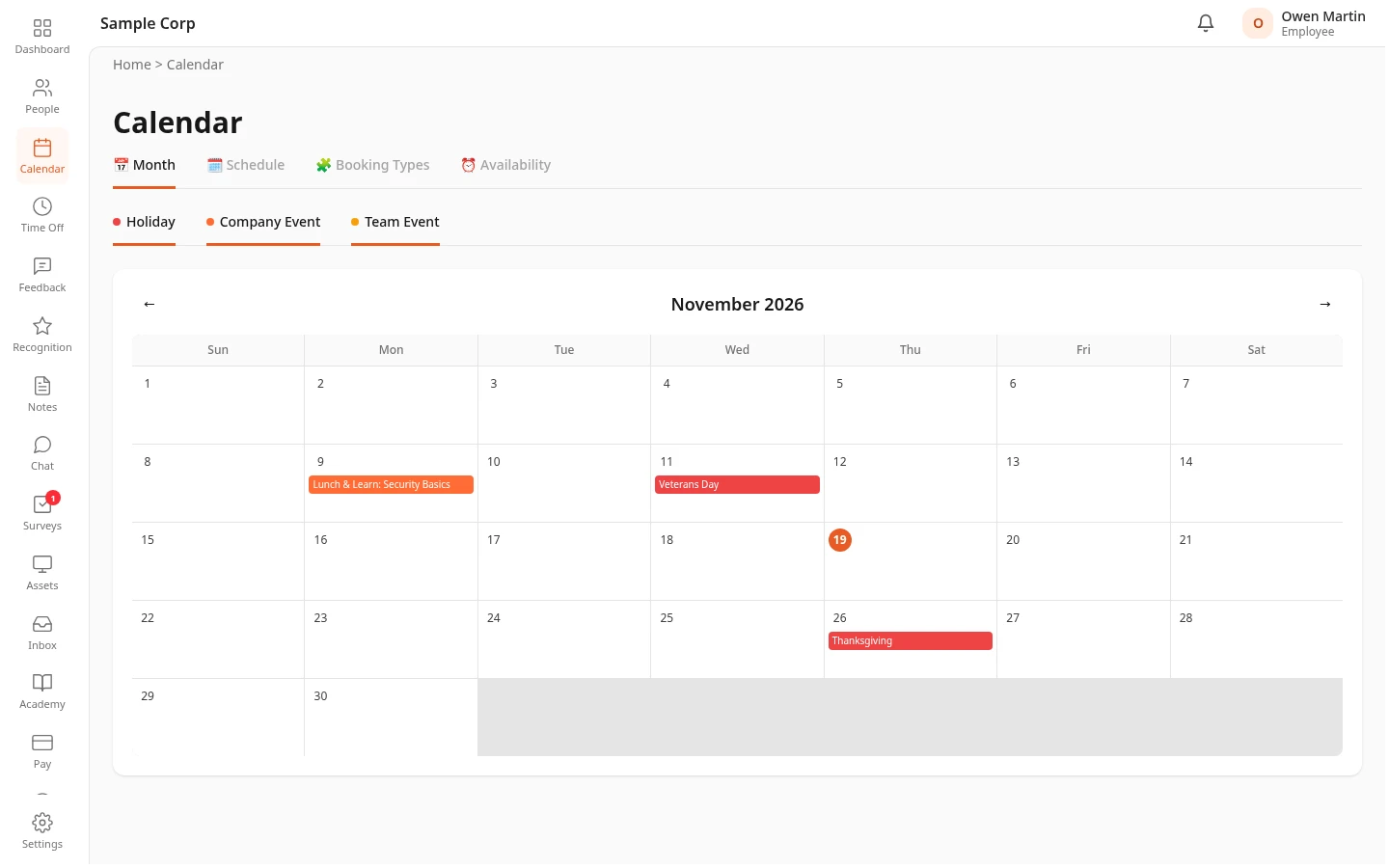
The holidays come from your company’s holiday calendar, which your HR team or admin maintains. Holidays aren’t working days: they aren’t deducted from your balance when a request runs over them, and a time-off request that only covers holidays and weekends isn’t accepted. An observance shows on the calendar but is a working day.